
Ku iibso internet-ka Hormuud iyo Somnet si fudud. Buy Hormuud and Somnet internet, the simple way.
Data, airtime, Fiber, 5G iyo wicitaanka. Gal, dooro xirmada, dir lacagta, dalabkaaga wuu soo socdaa.
Shirkadaha aan taageernoOperators we support


AdeegyadaServices
Dooro adeegga kugu habboon. Qiimaha waa la arki karaa app-ka gudihiisa.Choose the service that suits you. Prices are shown inside the app.
DataData
Xirmooyin internet ah oo muddo kala duwan leh.Internet packages with different durations.
AirtimeAirtime
Ku shub lacagta taleefankaaga.Top up your phone credit.
Fiber & 5GFiber & 5G
Adeegyada internet-ka guriga.Home internet services.
VoiceVoice
Xirmooyinka wicitaanka.Voice call packages.
Sida ay u shaqeysoHow it works
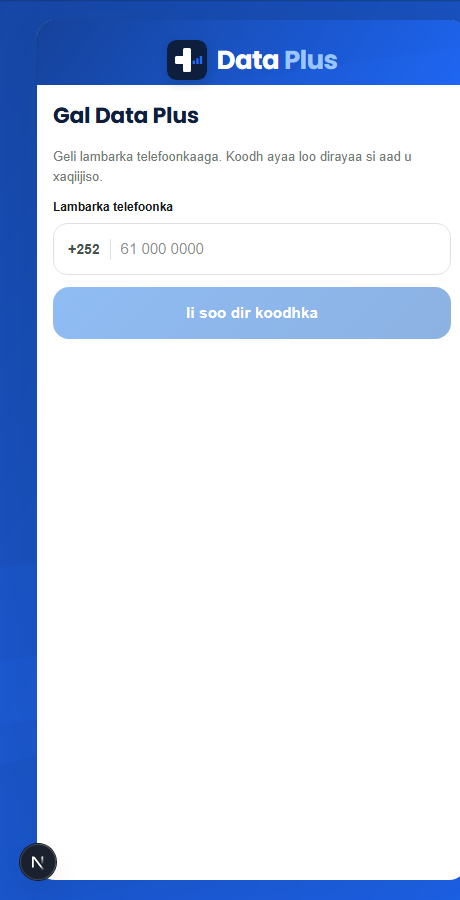
Gal akoonkaagaSign in
Ku gal lambarka telefoonkaaga.Enter your phone number.
Dooro adeeggaChoose a service
Xulo Hormuud ama Somnet iyo xirmada aad rabto.Pick Hormuud or Somnet and the package you want.
Dir lacagtaSend payment
Ku bixi mobile money lambarka ganacsiga.Pay by mobile money to the business number.
Sug xaqiijintaWait for confirmation
Maamulka ayaa xaqiijinaya lacagta, kadibna dalabkaaga wuu dhammaysanayaa.The team checks your payment, then completes your order.
Maxaad ka heli doontaa Data PlusWhy Data Plus
Dalabyo aad la socon kartoTrack your orders
Hal meel ka arag xaaladda dalabkaaga.See every order's status in one place.
Taariikhda lacag-bixintaPayment history
Dhammaan lacagaha aad bixisay iyo lambarrada macaamilka.All payments you made and their transaction numbers.
RasiidReceipts
Rasiid la daabici karo ka dib markii lacagta la xaqiijiyo.A printable receipt after your payment is confirmed.
Download Data Plus telefoonkaagaDownload Data Plus to your phone
App-ka wuu ku shaqeeyaa telefoonka Android iyo iPhone, si la mid ah app kasta oo caadi ah. Ma baahnid Play Store ama App Store.The app works on Android and iPhone like any normal app. You do not need the Play Store or App Store.
Android (Chrome)
- Ku fur link-ga app-ka Chrome-ka.Open the app link in Chrome.
- Riix saddexda dhibcood (⋮) kor ku yaal.Tap the three dots (⋮) at the top.
- Dooro Install app ama Add to Home screen.Choose Install app or Add to Home screen.
iPhone (Safari)
- Ku fur link-ga app-ka Safari-ga.Open the app link in Safari.
- Riix badhanka Share (□↑).Tap the Share button (□↑).
- Dooro Add to Home Screen.Choose Add to Home Screen.
Nala soo xiriirContact us
Taleefan ama WhatsApp: +252 61 949 6900Phone or WhatsApp: +252 61 949 6900